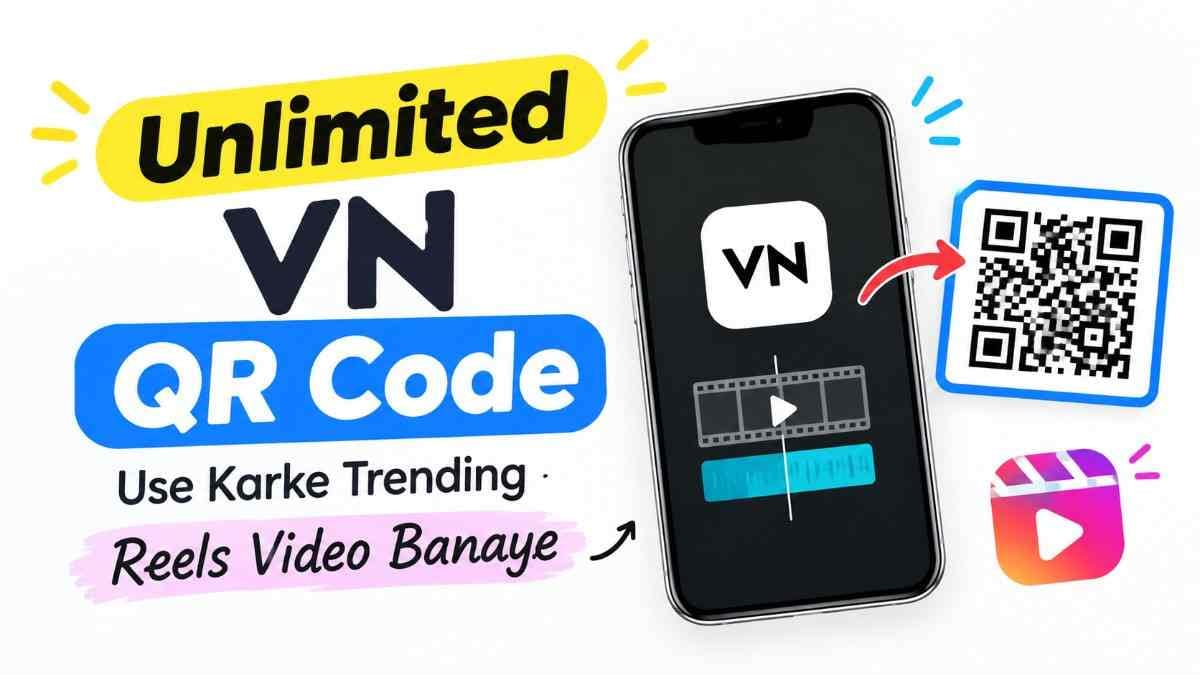
When you open Instagram and scroll, you can see how many beautiful reels videos are going viral. There is a perfect match of pictures with songs and beats, great filters, and transitions. But the problem is, when we try to make those videos ourselves, hours pass by. Still, editing as we like is not possible. I also had this exact same problem at first.
But there is nothing to worry about. There is a very easy solution to this problem. At one time, I also thought that making such reels was very hard work. But after I started using Instagram Trending VN Template, I saw that any viral video becomes ready in just 1 minute. Today, I will explain in very simple language how it is possible to make all the best reels with this template without any hard work.
What is VN Video Editor App?
VN is a great app to edit videos with a mobile phone. Even if you are completely new to editing, you can run this app very easily. The best thing is that it is completely free, and when you save a video, no bad watermark or logo appears. It works very nicely on both Android and iPhone.
Usually, if you want to make good quality videos, you have to learn many things, and you have to do cutting or put effects. But if you work in this app, there is no worry about all those things.
Now we know the name of the app, so let us come to the real magic of this app, which we call a template.
What is a VN Template?
Many people may have used templates in the CapCut app. But the VN template thing is a little different from that and even easier. Here, all the editing settings of the video are arranged inside a special QR Code.
For example, when the picture will change, what color filter will be in the background, which song will play, or what effect will come, everything is hidden inside that code. You do not have to do any manual work. As soon as you scan the code, ready-made editing comes inside the phone.
Now a question may come to your mind, what is this QR code actually and how does it work?
What is a VN QR Code?
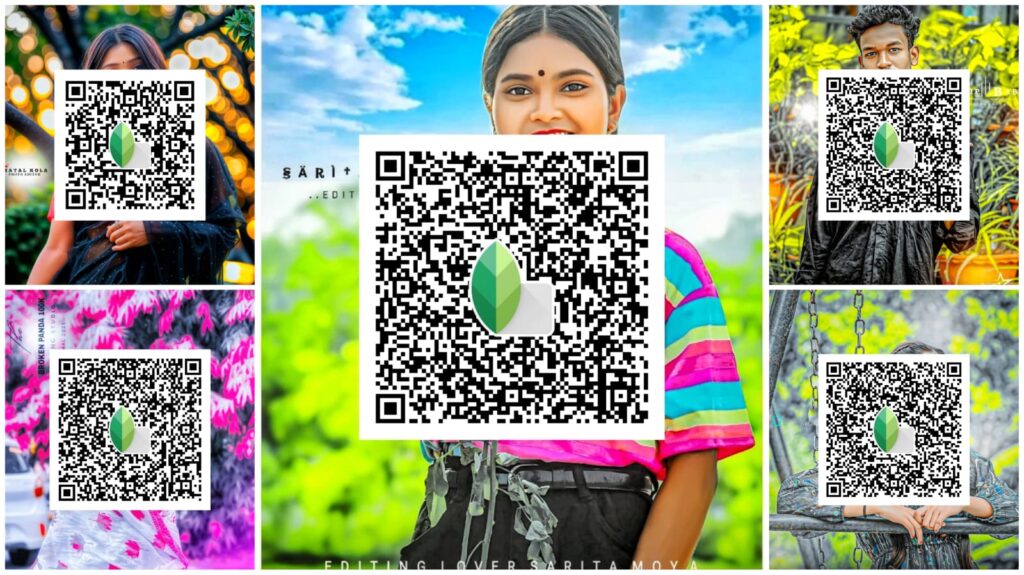
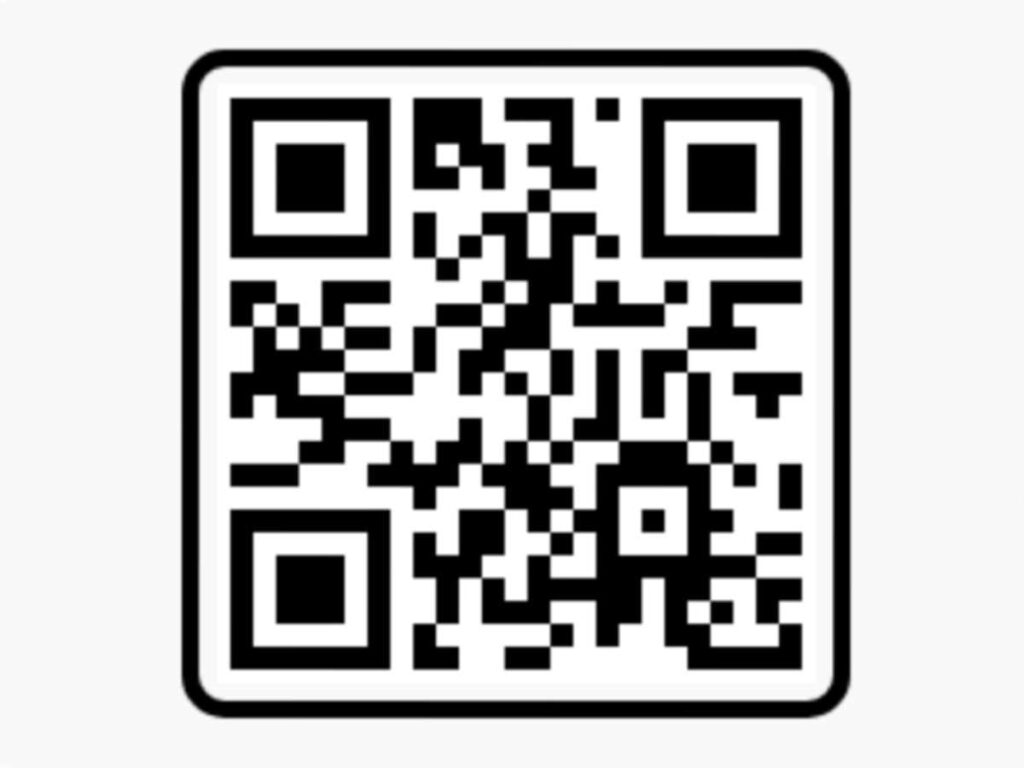
A VN QR code is a barcode like a picture, inside which all the secret editing files for making that video are saved. Whenever any new song or video goes viral on social media, expert editors make a file with it and create this code.
When you save the picture of that code on your phone, the work is finished. This is mainly called the Instagram Trending VN Template code. When you scan the code, you do not need to add music or search for filters separately.
However, to use this template, it is important that the app is properly downloaded on your phone.
How to Install the VN App
Taking the VN app on your phone is a very easy job. If you use an Android phone, then go straight to the Play Store. And if you are an iPhone user, then go to the App Store. Go to the search bar there and type “VN” directly.
Then you will see an app with a black color logo in front of you. Beside it, ‘Install’ or ‘Get’ will be written, and when you press it, the app will download to your phone. There is no trouble of opening a separate account or ID in this.
After downloading the app on your phone, the main job is to scan the QR code. Learn below how to do it.
How to Scan a VN QR Code (Step-by-Step Guide)
When scanning for the first time, I was also a little worried. But the rule is very simple.
- First, open the VN app on your phone.
- On the top right corner of the home screen, you will see a small icon for scanning, click on it.
- The app will then ask for Camera Access, give ‘Allow’ or click ok.
- When the camera turns on, hold your phone toward the QR code kept on another phone, and it will be scanned right away.
But the problem is, if the picture of the QR code is saved on your own phone, then how will you scan it? I am telling you that in the next part.
How to Import a VN Template Using a Code
Suppose you have saved a trending QR code as a picture in your gallery from the internet. In this case also, there is nothing to worry about.
Open the app using the same rule above and click on the scanner icon. After the camera turns on, you will see a small ‘Gallery’ or picture icon toward the top corner. When you touch that icon, your phone gallery will open. Select the saved code picture from the gallery. Within one second, the app will read the code by itself and open the template.
Now are you thinking, where can today’s trending QR codes be found?
Today’s Trending VN QR Codes (Updated Daily)
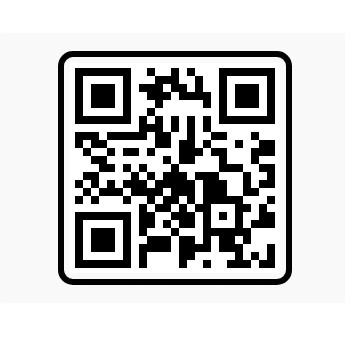
To save your searching time, all popular and new VN codes are given below. Whichever song or style you like more, use that code to make the video of your choice.
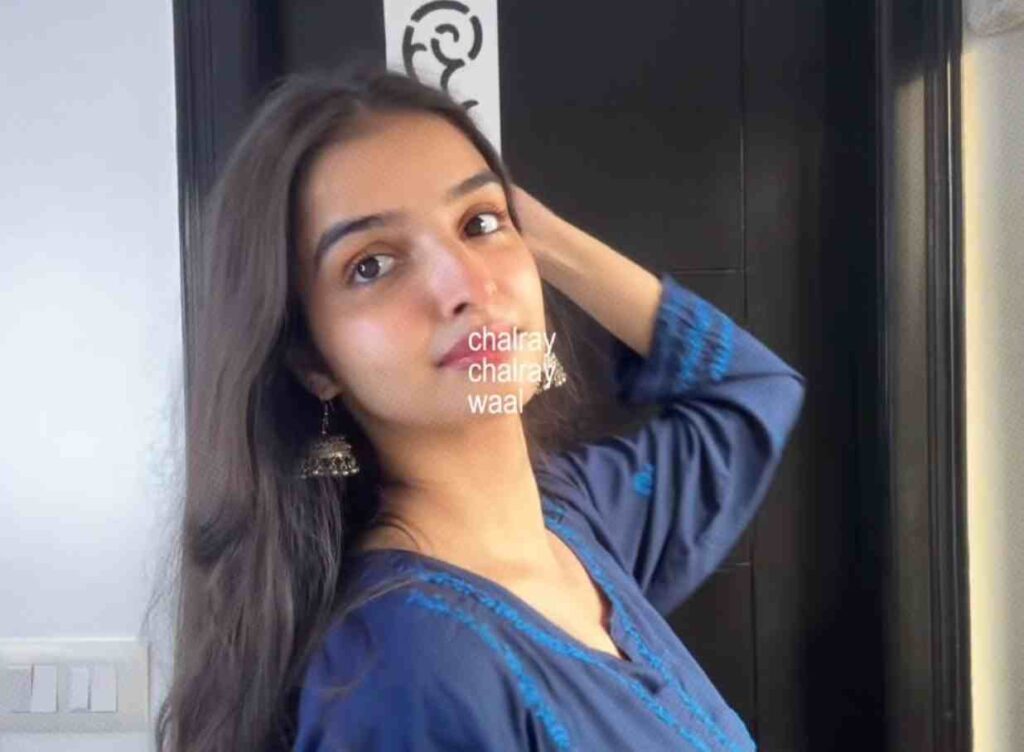
Chalrey Chalrey Wall Mode Rakh Daye VN Code Template

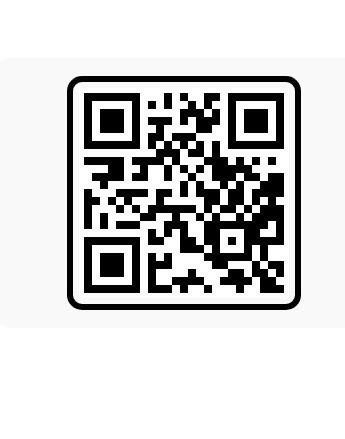
Motion Pattern Effect VN Template
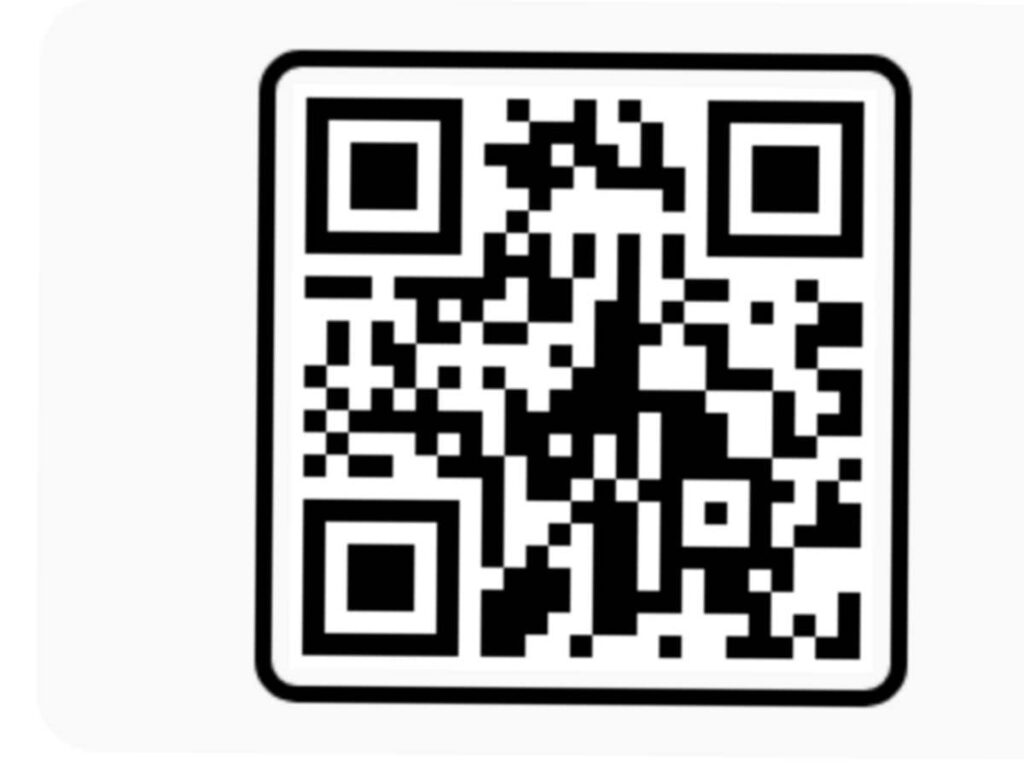
Casa Tupka Anthemo VN QR Codes
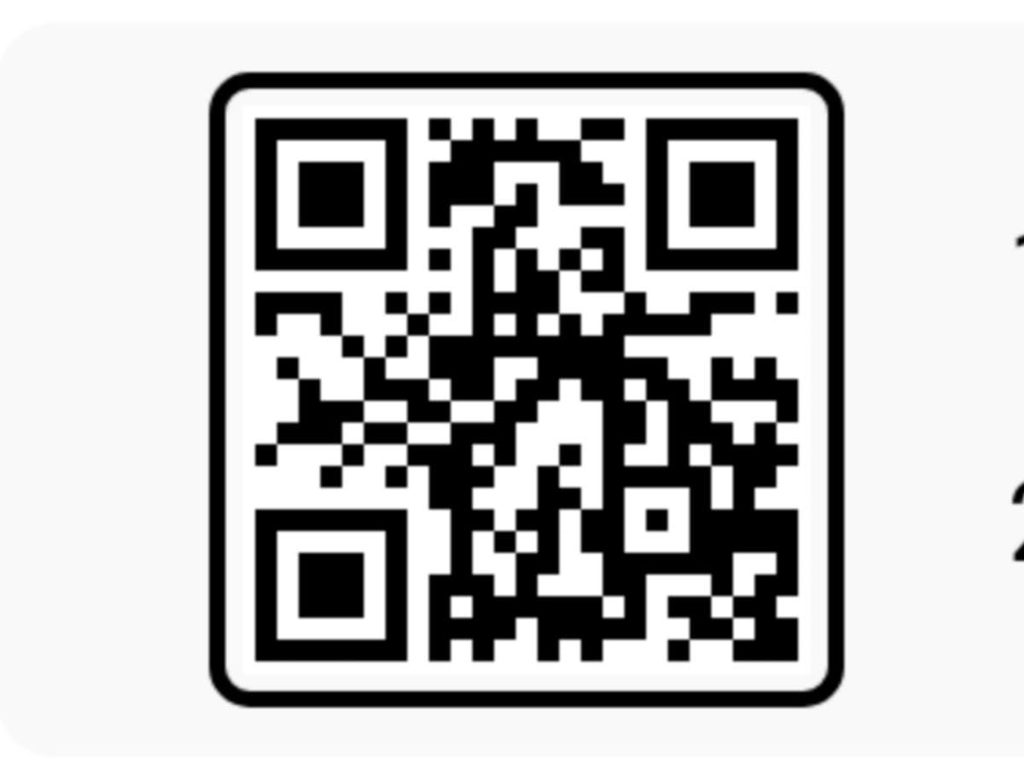
VN 3 Layer Video Template QR Code
How to Create a Video Using a VN Template
After getting the template, it takes only 2 minutes to make a video. Notice the steps.
- After scanning or importing, an option named ‘Use Template’ will show at the bottom, touch there.
- Now it will show at the bottom how many pictures are needed to make that video, like 7 or 10 pictures. Select your favorite pictures one after another from the gallery.
- When all pictures are selected, ‘Next’ will be written at the bottom, and when you press it, the app will arrange the pictures beautifully with the song and beat by itself.
- Now play the video once and see if everything looks fine.
Many times it is seen that the picture did not sit properly in the middle or got cut. How to fix that is given below.
How to Customize Clips in a VN Template
When I made a video with a template for the first time, I noticed that my face area got cut and my belly area was showing. Many new people face such a problem. But it is very easy to fix this.
While watching the video preview, if you feel that any picture is not fitted properly, then touch on the small clip of that picture at the bottom. The ‘Crop’ or ‘Replace’ option will appear there. Click on Crop and drag the picture slightly with your finger to place it right in the middle. And if you do not like the picture at all, you can place another new picture using the Replace option.
Positioning the picture is done, now if you feel that you want to change the background song or text a little, what will you do?
How to Change Music, Text, and Effects in a VN Template
The big advantage of the VN app is that even after using a template, everything can be edited in your own way.
To change music: You will see a separate line for audio or music at the top. You can click there to remove the old song and put your favorite new song.
To change text: When you double tap on the texts floating on the screen, the writing area will open. You can write a name or any sentence you like there.
To change effects: You can go to the ‘FX’ or Filter option below the picture and change color or transition effects if you wish.
After all the work is finished, it is time to save the video in high quality on your phone.
How to Export and Save Your VN Video in HD Quality
Once the video is created, you will see a blue colored ‘Export’ or download button on the top right corner. Give it a press.
As soon as you click, settings like Resolution and Frame Rate (FPS) will open on the screen. So that the video does not become blurry and saves in clean HD quality, always keep Resolution 1080p and FPS 30 or 60. After that, click ok or tick mark at the bottom, and the video will be saved straight to your gallery.
However, sometimes some problems like the code not scanning or the app getting stuck can happen. Their easy solutions are given below.
Common VN QR Code Problems and How to Fix Them
Take a look at the solutions to the small problems that usually happen while working.
| Problem | Cause | Solution |
| Code Not Recognized | If the QR code picture is blurry or cut. | Use a clean and clear QR code image. |
| Template Not Loading | If phone internet is off or slow. | Keep internet or Wi-Fi turned on. |
| App Is Crashing | If there is an old version of the app. | Update the app from the Play Store. |
| Picture Not Selecting | If you do not give the required number of pictures. | Select as many pictures as the template asks for. |
Conclusion
Making trending reels using a VN template is actually not a complex job at all. Everything that was discussed for so long, from downloading the app to scanning the code and saving HD video, if you follow the rules, anyone can make a great video in 1 minute. Now there is no need to waste hours of time behind manual editing anymore. Choose the best pictures from your phone, scan the code, and share on social media.