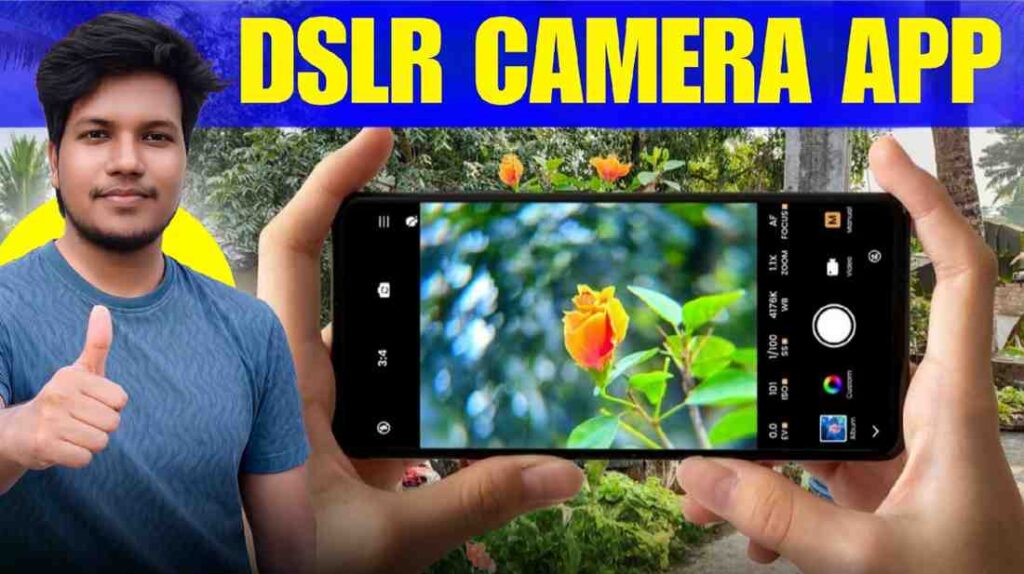
How to Blur Photo Background in ChatGPT: Hello friend. Today we all want our photos to look very professional. We want them to look like they were taken with a very expensive DSLR camera. But a problem happens when we see messy things in the back of the photo. Suppose you took a photo with a great pose. But a pile of dirt or an untidy room came in the back. This spoils the whole mood. Our simple phone cameras do not always give that beautiful blurry effect. We search for many things on the internet to solve this problem. Truly, if the background of a photo is not blurry then the real hero of the photo who is you does not stand out.
But do not worry because days have changed. Before we had to sit with Photoshop for many hours to fix this background. When I started editing ten years ago the hard work behind each photo makes me laugh today. Now you can do that same work very quickly with the help of Artificial Intelligence or AI. In today’s talk I will teach you How to Blur Photo Background in ChatGPT. Yes you heard it right. ChatGPT does not only answer questions now. It can also give your photo a very clean professional look. So let us learn this magic trick without any delay.
What is Background Blur?
In simple words background blur means making the back part of the photo a little hazy. This helps the person or object in front to stand out clearly. When we see a photo taken by a big photographer we notice that the trees or roads in the back look like fog. In the language of photography it is called Bokeh Effect. It feels like how we used to see things blurry when we were kids. But doing this in a photo makes it look very royal.
In today’s time it is not always possible to carry a heavy camera. Right. So we look for editing apps on our phones. But there also we try to blur by rubbing with our hands. Then we see that the side of the ear is cut or the hair looks strange. This is where ChatGPT shows its real game. In the next paragraph when I teach you how to do this work you will see why it is different from simple apps. ChatGPT can understand by itself which part of the photo is a human and which is a wall or road. So the editing becomes very perfect. It feels like an expert editor sat down and did your work.
How to Blur Photo Background in ChatGPT?
Blurring a photo background in ChatGPT is now as easy as eating rice and water. I was surprised when I tried it for the first time. First open ChatGPT on your phone or computer. Now you will see a plus or file upload icon there. Go there and upload your favorite photo that you want to blur. Now the real work is to give a correct prompt or direction. Because ChatGPT will not understand your mind by itself. You have to tell it clearly.
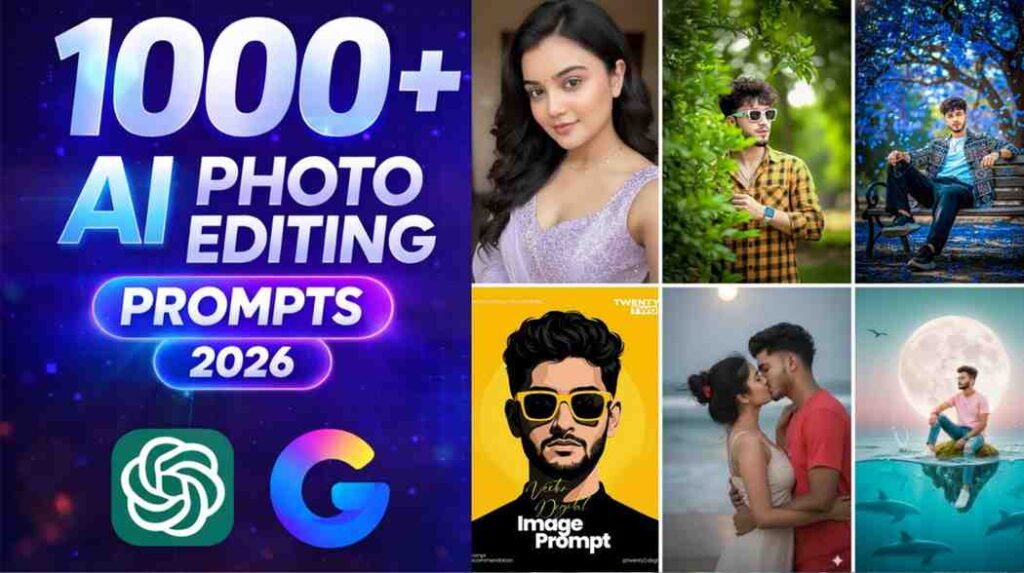
You can write to ChatGPT how to blur photo background in chatgpt. You can say please blur the background of this photo. Make it look like it was shot on a DSLR camera with a shallow depth of field. That is it. ChatGPT will use its image processing power to scan the photo. It will give you a new photo in seconds. Sometimes we call this chatgpt background blur photo editing. If you feel the blur is too much you can tell it to reduce the blur a little. I usually suggest do not blur too much. It might make the photo look fake. Keeping a light natural touch will make the photo look great on social media.
How to Save Photo In ChatGPT?
The photo is edited now. But how will you save it on your phone. Many people get worried about this. When ChatGPT gives you the edited photo then click on that photo. You will see a down arrow or download icon at the top. If you click there the photo will come directly to your gallery or folder. In some cases you can also get the Save Image As option by right clicking on the photo. These how to save image in chatgpt without background or with blur background options are very easy.
Below I am giving a small table about the popularity of ChatGPT and its use. This will help you understand why everyone is running after this AI.
| Subject | Data |
| Launch Date | November 2022 |
| Active Users | More than 200 million every week |
| Total Install | Over 100 crore on App Store |
| Parent Company | OpenAI |
| Main Features | Generating text and image editing |

Conclusion
So friend you saw how easily you can make your simple photo look extraordinary sitting at home. And for this you do not have to do any expensive course or waste hours of time. You can give a new look to your profile picture or group photo of friends using this How to Blur Photo Background in ChatGPT technique. I personally think that editing is not just rubbing. It is about bringing out the real beauty of the photo. ChatGPT does that exact work.
How did you like today’s tips. Have you ever tried to edit a photo with ChatGPT before. If you have any problem or want to know any new prompt then tell me in the comments. If I get your opinion I will be more excited to write my next articles. Stay well and keep editing photos as you like.